Free and paid digital art resources for anime and Ghibli-style background painting: environment brush sets, colour palettes, step-by-step tutorials, tracing sheets and printable references.
Everything is made by Roberto Nieto for digital artists working in Procreate, Photoshop, Clip Studio Paint, Affinity, Krita or Infinite Painter.
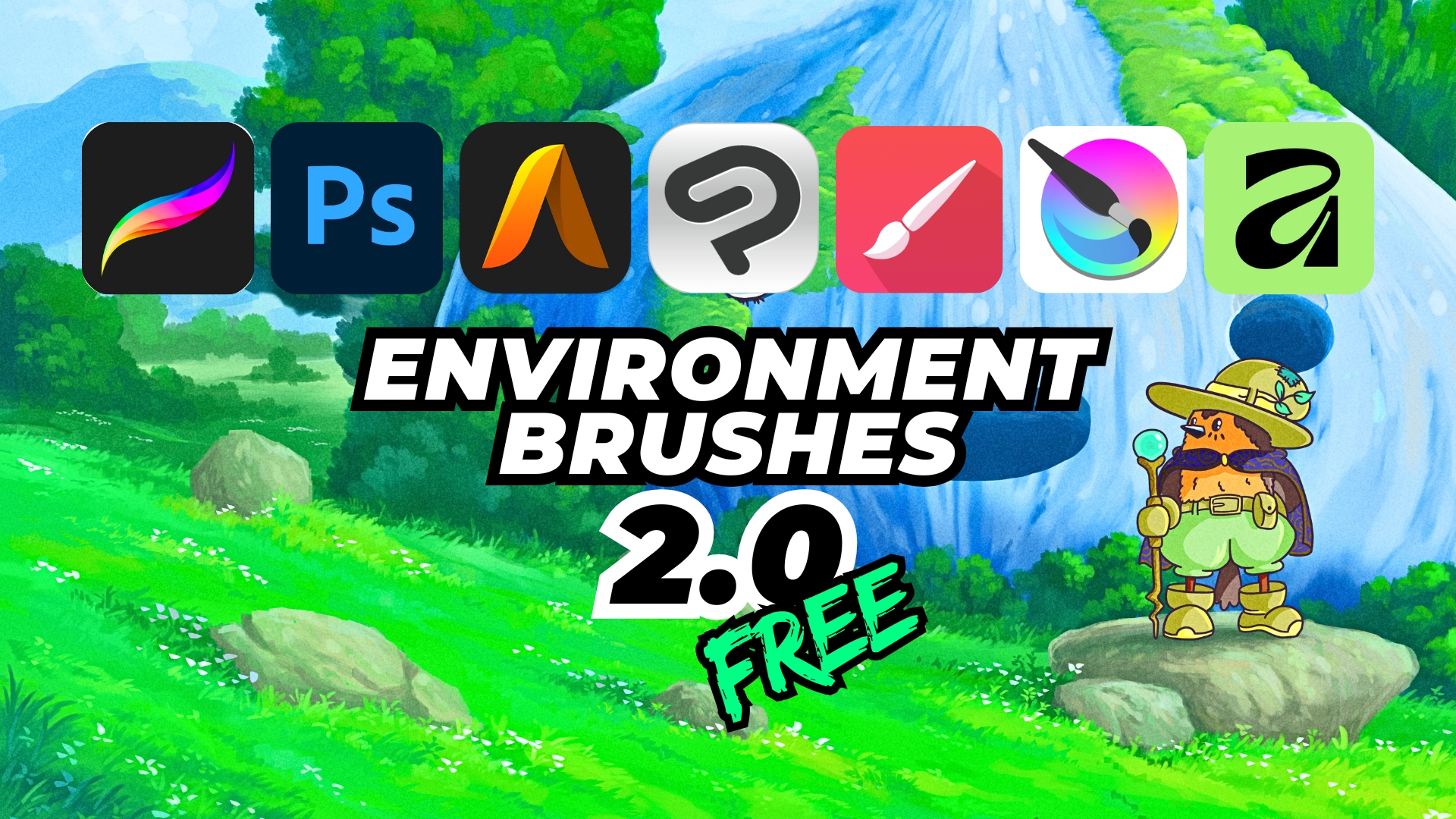
Start with the free brush packs and colour palettes, then take the full anime background illustration course when you are ready to paint a complete scene.
Start here: the free Environment Brushes 2.0. When you are ready for the full workflow, take the Anime Background Illustration Course or the Floral Illustration Course. Every artwork on the site is also available as a print on the prints section.
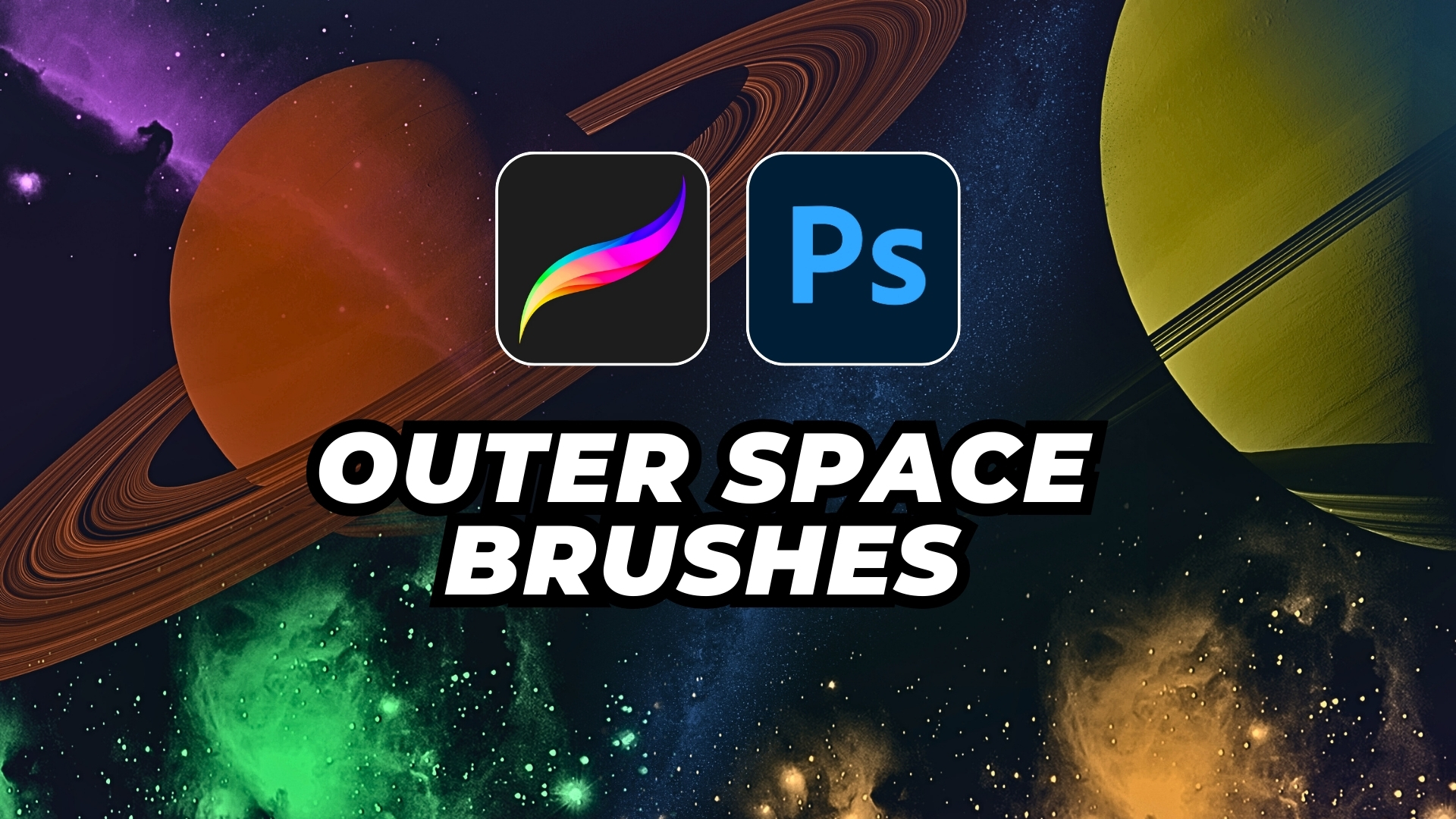
Which file do I download? Every brush pack ships in the native format of each app, so you take the one you need: .brushset for Procreate, .abr for Photoshop, .sut for Clip Studio Paint, .artstudio_brushes for Art Studio Pro, .przp for Infinite Painter, .bundle for Krita and .afbrushes for Affinity.
How do I start? Import the file, open the included PDF guide and paint. The brushes are pressure and tilt sensitive, so a tablet with pressure support gives you much more control over the weight and the shape of the stroke. Give the set ten minutes before you judge it: the first strokes always feel clumsy until you stop testing every brush in a row and start using the one that the current job needs.
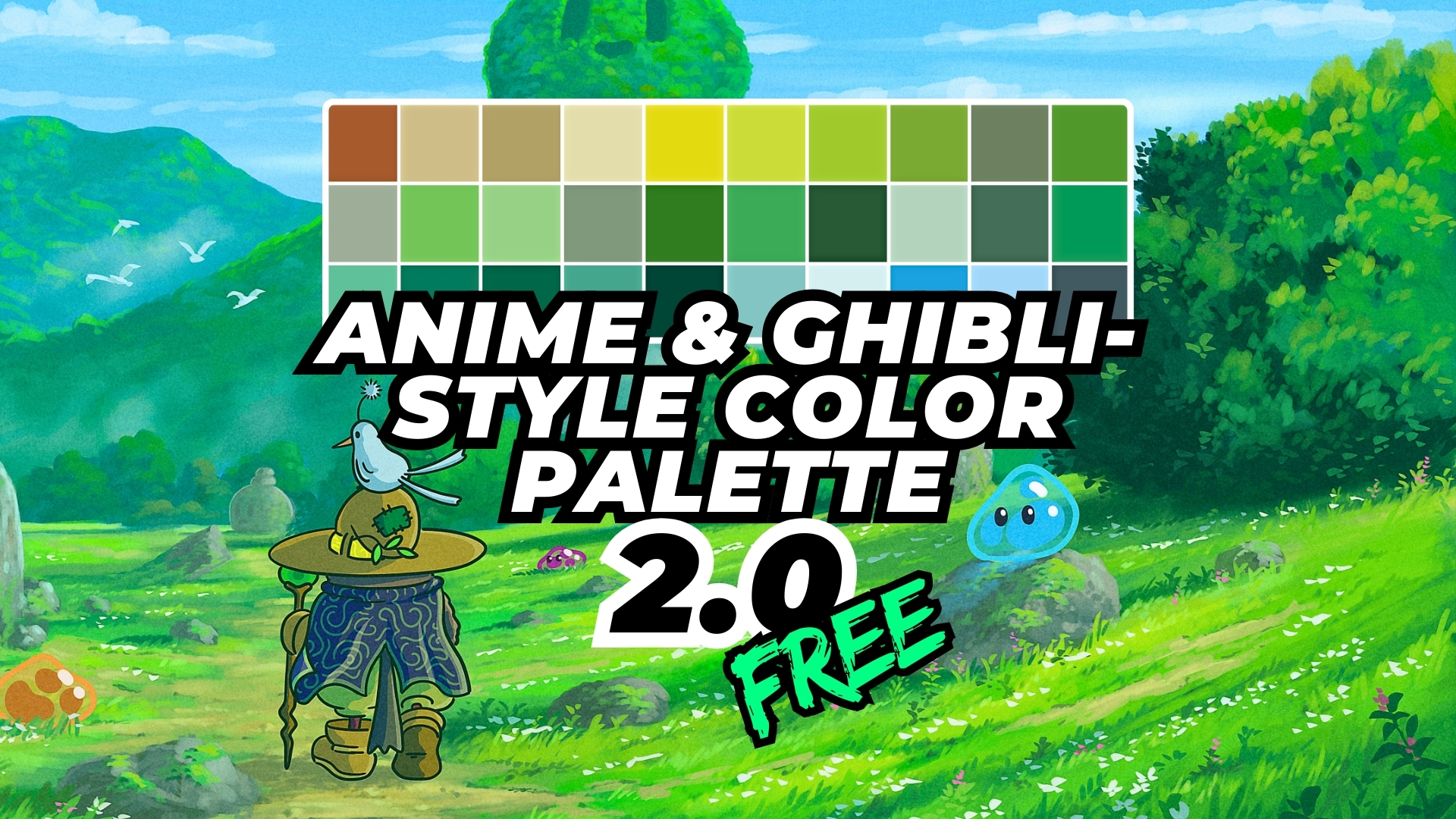
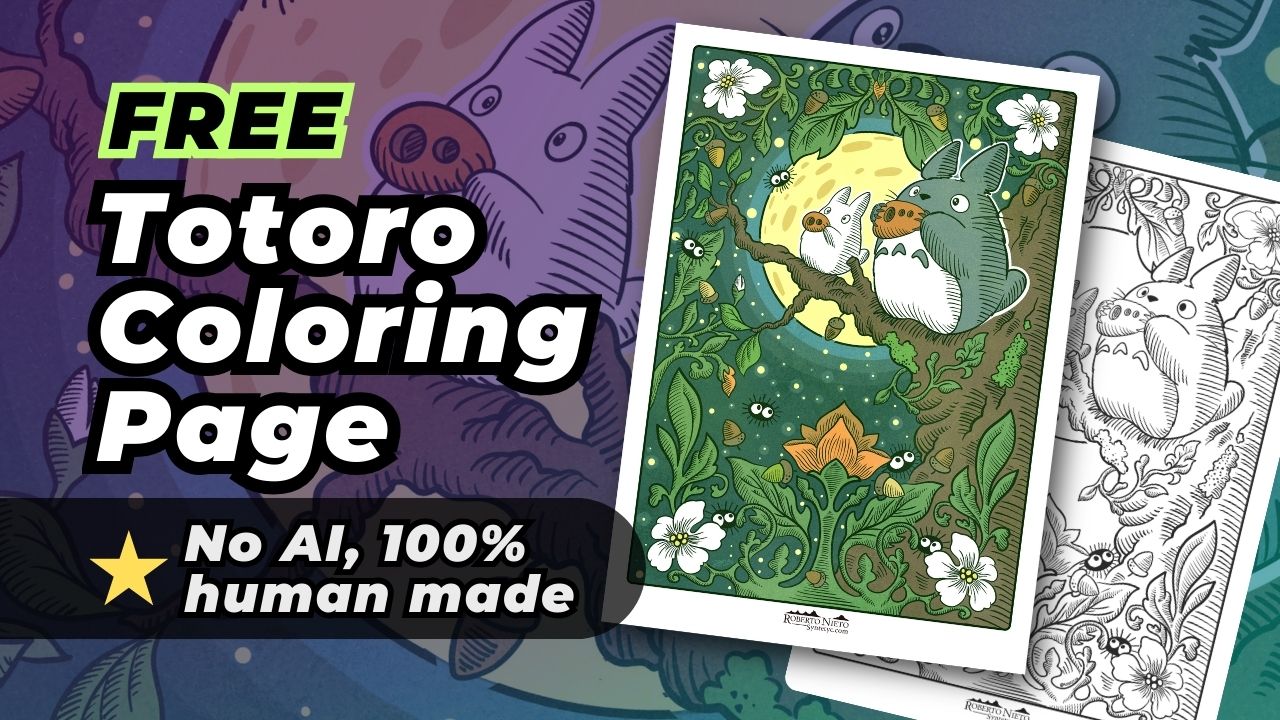
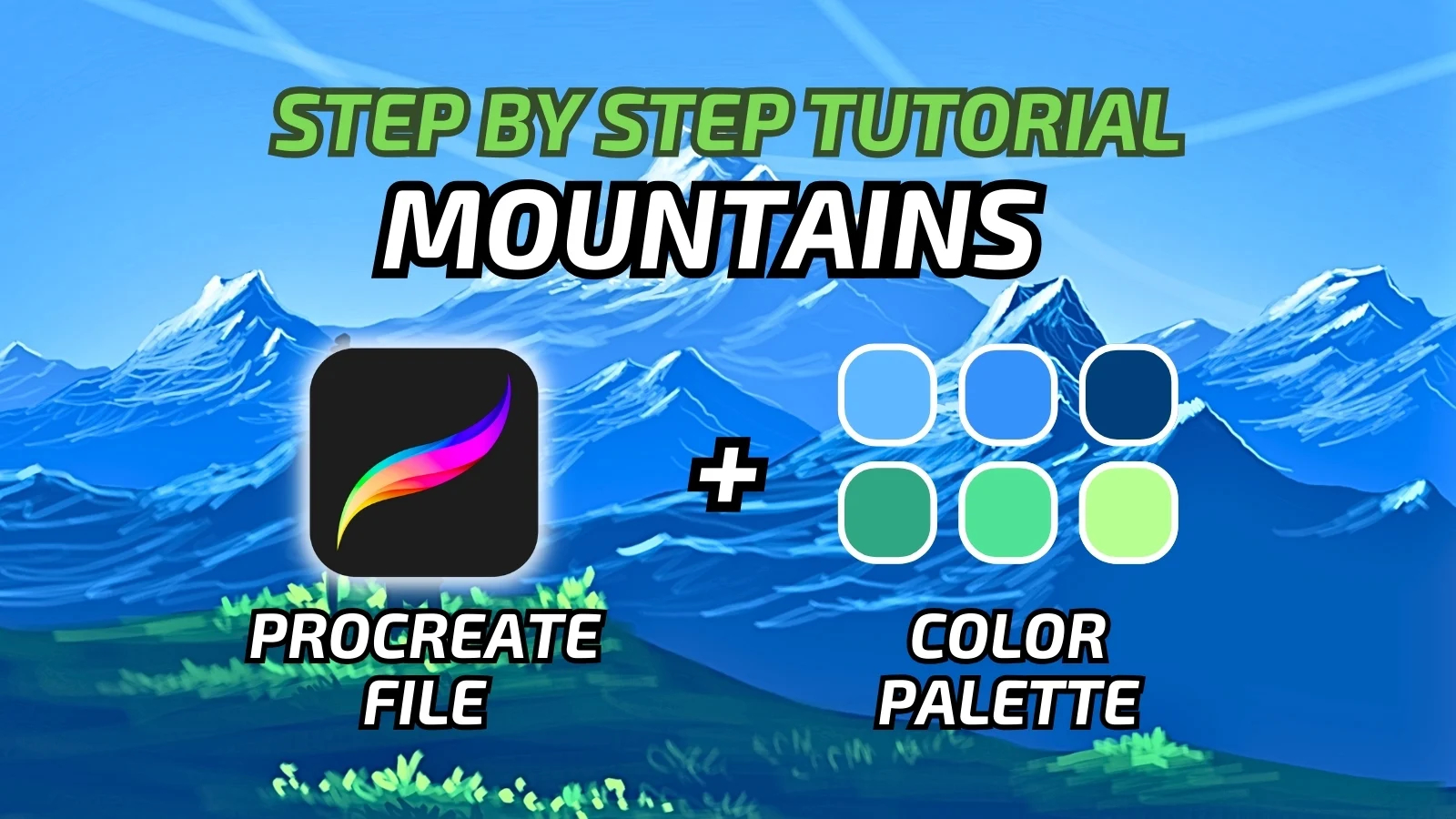
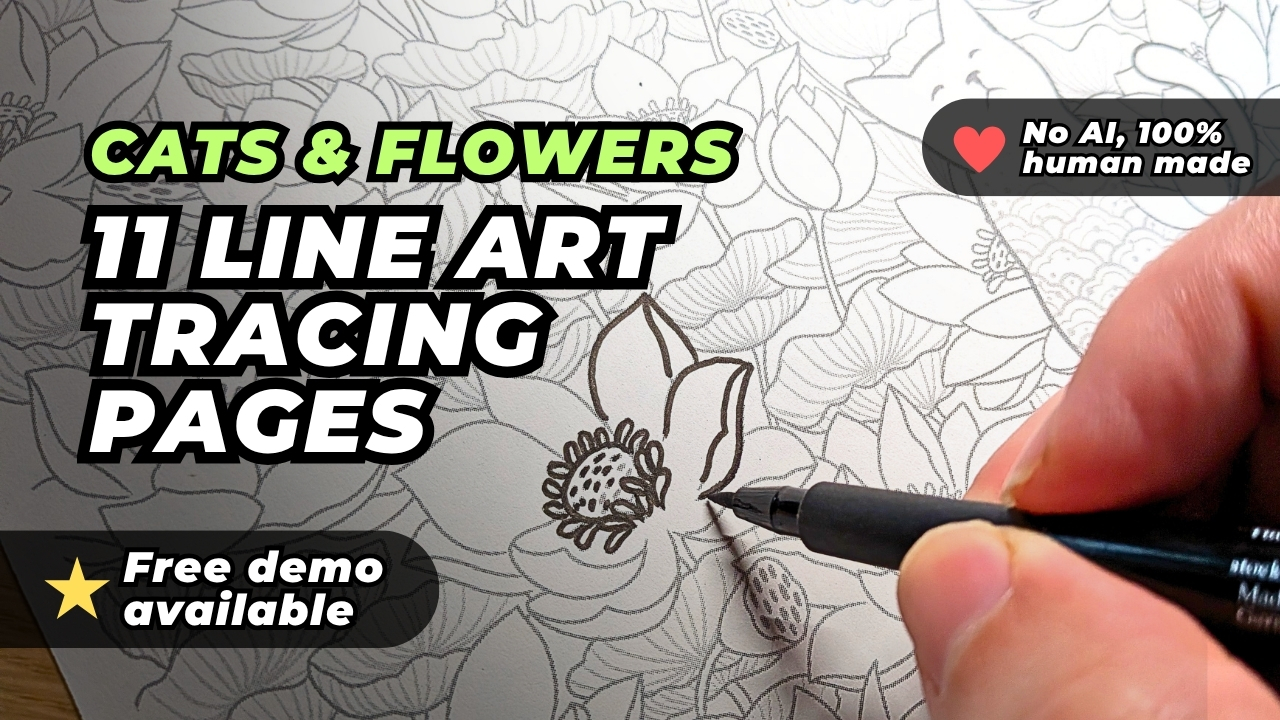
The free brush packs, the Anime and Ghibli Colour Palette 2.0, the step by step tutorials, the Totoro colouring page and the Cats and Flowers tracing sheets. Everything marked free on this page downloads without a subscription and without an account. The two courses are the only paid items.
Every brush pack ships in the native format of each app: .brushset for Procreate, .abr for Photoshop, .sut for Clip Studio Paint, .artstudio_brushes for Art Studio Pro, .przp for Infinite Painter, .bundle for Krita and .afbrushes for Affinity. You download the file that matches your app and the brushes are ready to use with your own pressure settings.
Any device works, but the brushes are pressure and tilt sensitive, so a tablet with pressure support gives you far more control over the weight and the shape of the stroke.
No. They react to the stroke, the pressure and the tilt of the stylus, so you build a tree, a rock or a cloud with real volume instead of dropping a finished shape on the canvas. That is also why they need some practice before they feel natural.
Import the file that matches your app, open the included PDF guide and paint. Give the set ten minutes before you judge it: the first strokes always feel clumsy while you test every brush in a row instead of using the one that the current job needs.
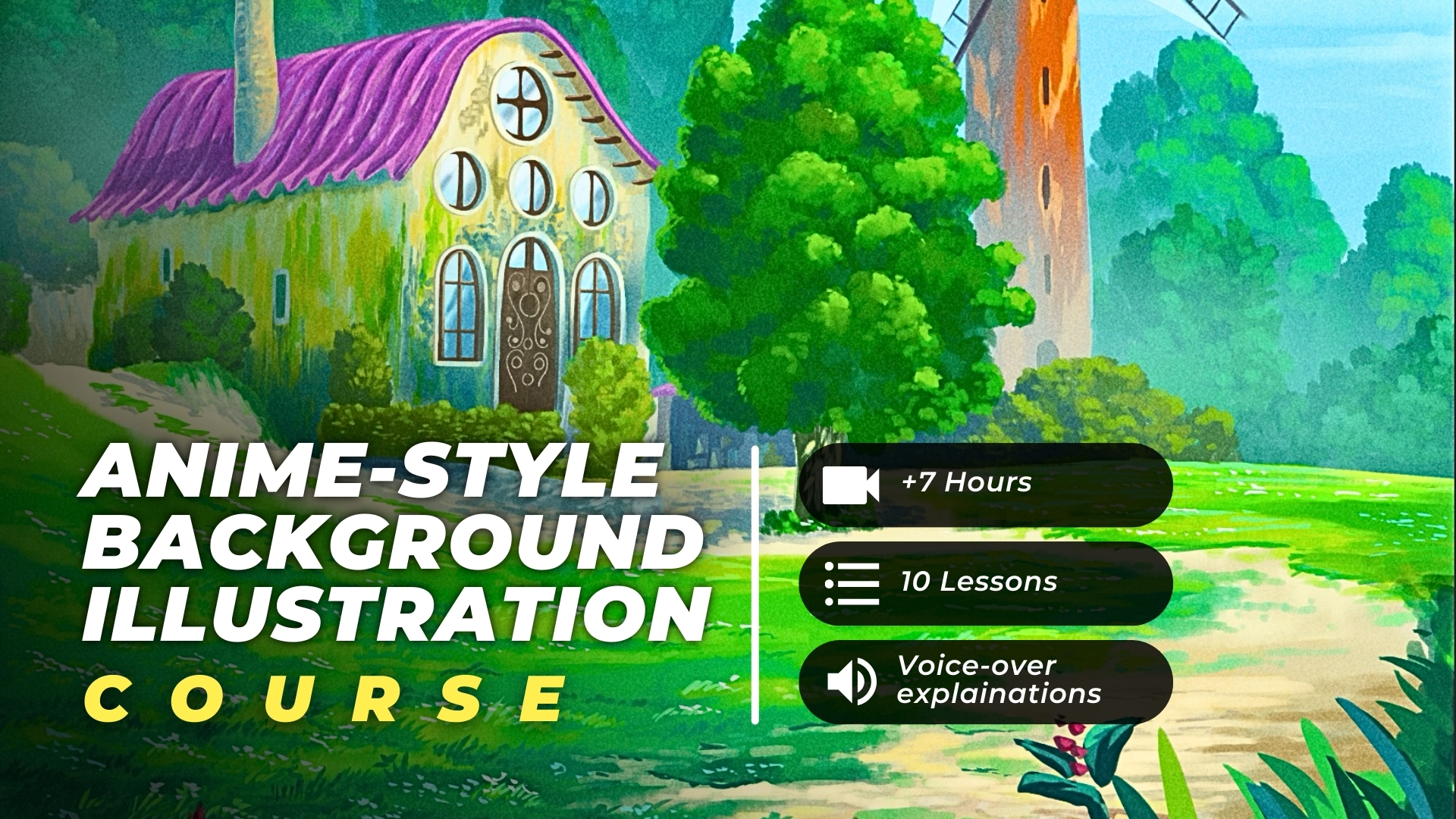
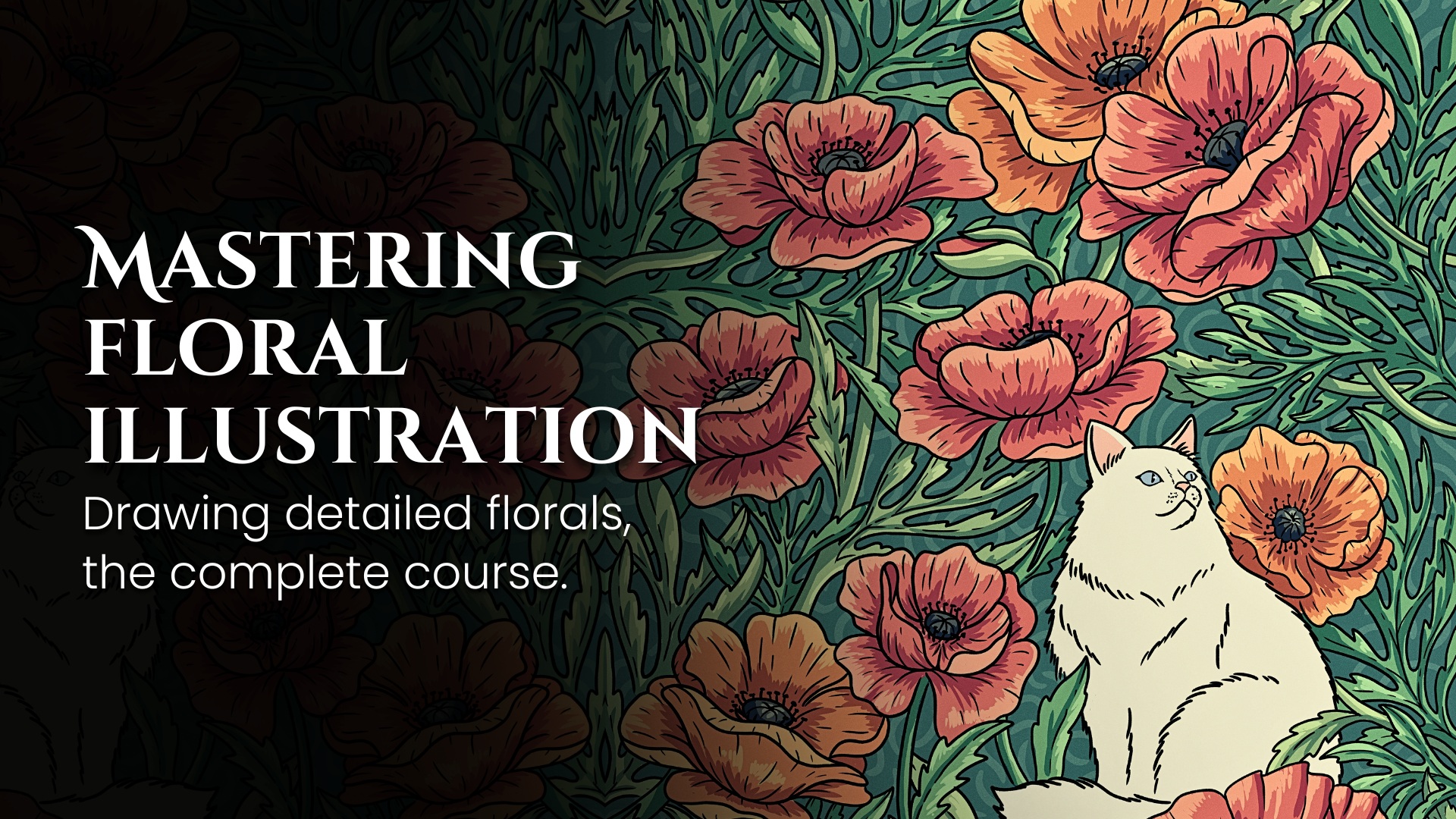
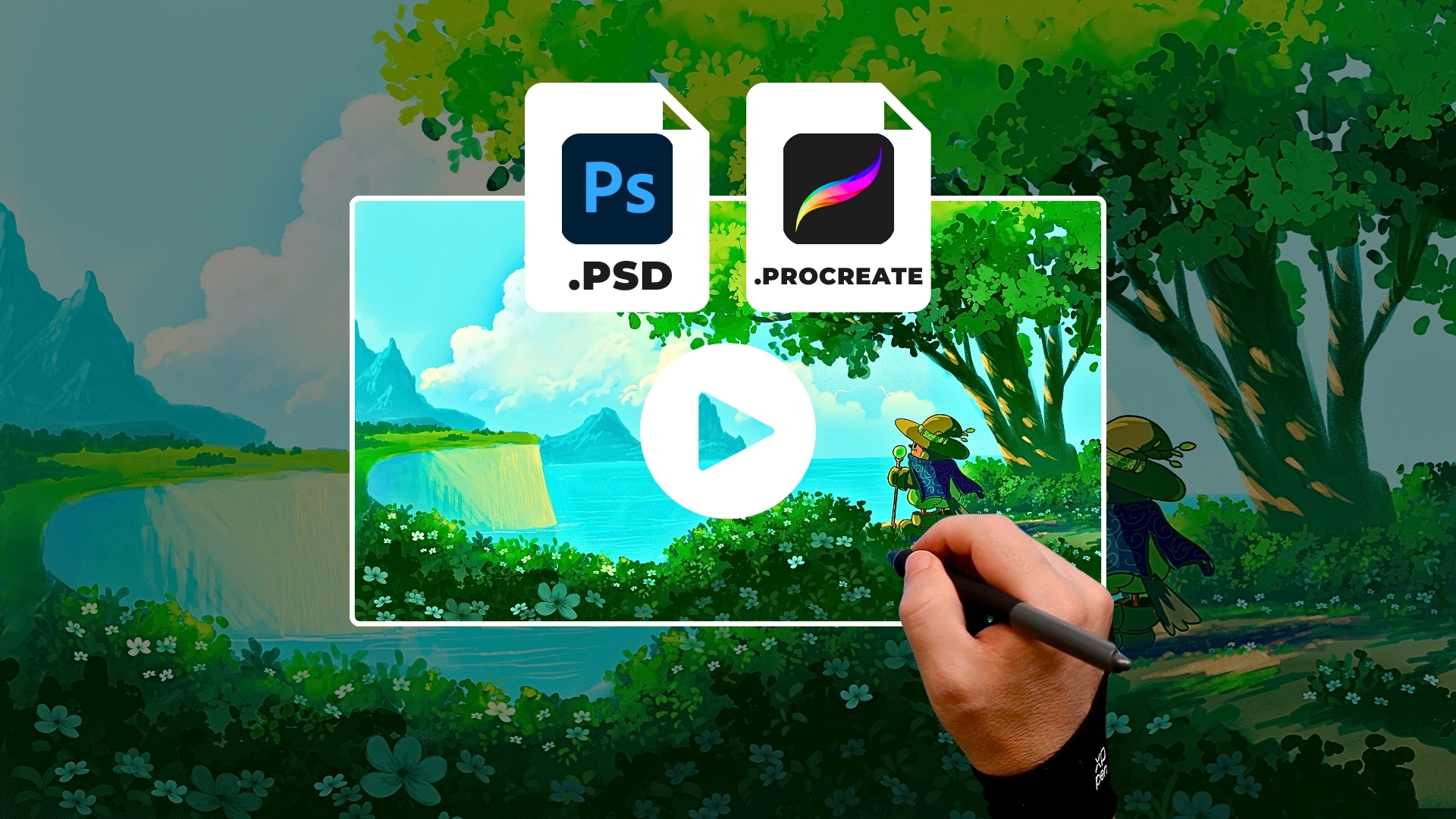
The Anime Background Illustration Course takes a complete scene from the first sketch to the final rendering in 10 structured lessons, with the .PSD and .Procreate project files. The Floral Illustration Course does the same for botanical illustration.